norman bakker's webpage
___________________________________________________________________________________________________

HOW TO : Using Python to make an Add-on for OpenOffice Calc


HOW TO pt1.odt
Addons_transferdemo.xcu
transferdemo_oocalc.py
Installation script Linux
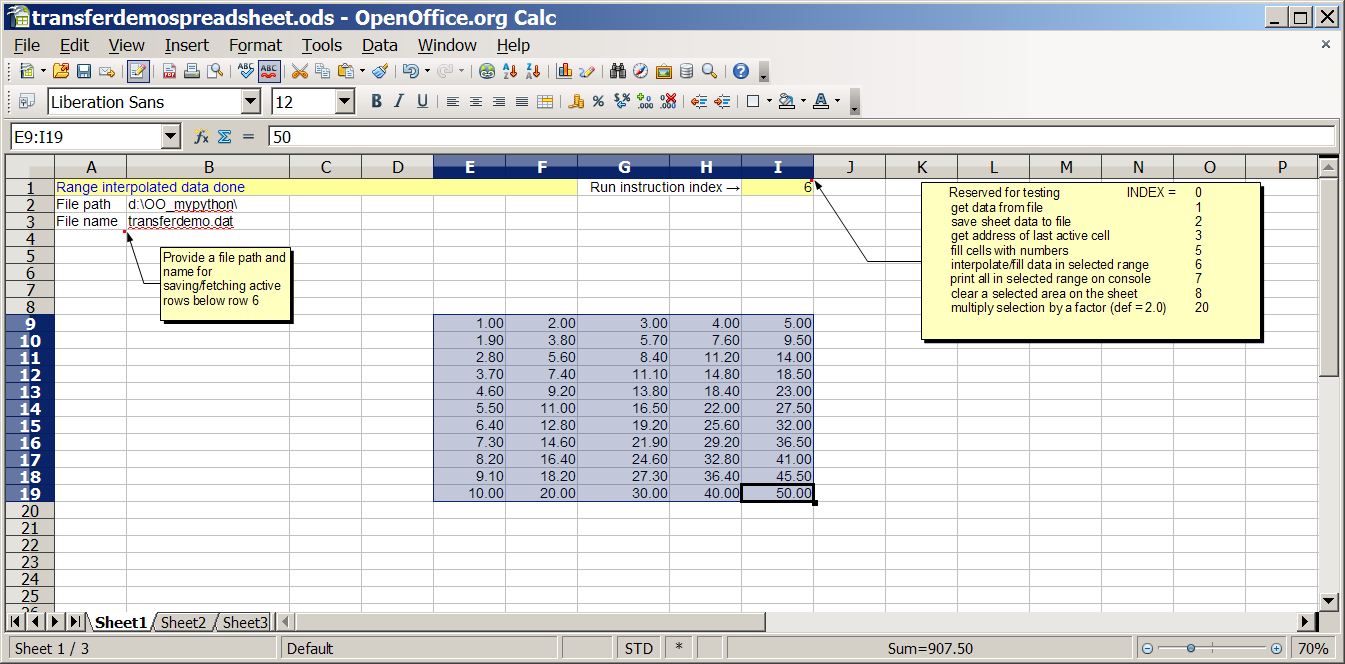
sample spreadsheet
linux add-on
WIN add-on
___________________________________________________________________________________________________

Open Office Basic spreadsheet macros for OO Version 3.0.0

Single pipe natural gas flow calculation using Open Office macros
Instructions
1. Download basic sources from here : 20090204_bas_source size= 102KB
2. Open a spreadsheet and macros (alt-t-m-o-b) for editing
3. Import basic folders to My Macros/Standard module
4. Start the macros by running "StartPipeFlow" (in "Pipe" folder)
5. Optionally assign "StartPipeFlow" to a free shortcut key combination (eg ctrl-shift-z)
6. Press Start button to display data


____________________________________________________________________________________________________

sprsht_1.2.2
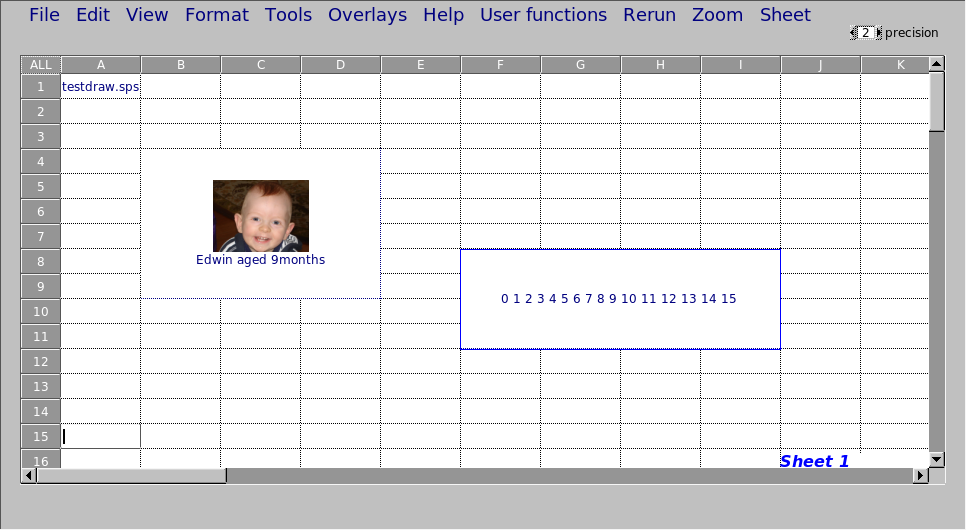
a c++ programmable spreadsheet using either compiled macro functions
or conventional spreadsheet style programming. GUI is configurable.

- based on fltk and G.Ercolano's Fl_Table widget

fltk
Fl_Table


download sources
spreadsheet1.2.2.tar.gz size= 480KB
spreadsheet1.2.2 size=1.3MB
-sources, doc, data files
examples include flow of natural gas in pipeline networks
to compile install fltk first -see README.

download binaries (32bit)
sprsht LINUX binary size= 483KB
sprsht.exe WIN executable size= 1.1MB
open in the same directory as the doc and data files.
For linux, install fltk first, or
move the copy of libfltk.so.1.1 provided
to /usr/lib/ (as root or sudo) and then run the binary - see README.


images


Changelog v1.2.2
error corrections & numerous minor improvements;
fixed data input to pipeflow.


comments, suggestions to 'nab at pcug dot org dot au'